WELCOME
Grab your device
Step by step walk thorugh getting your device ready for testing
POWER ON
Get started by turning on your device
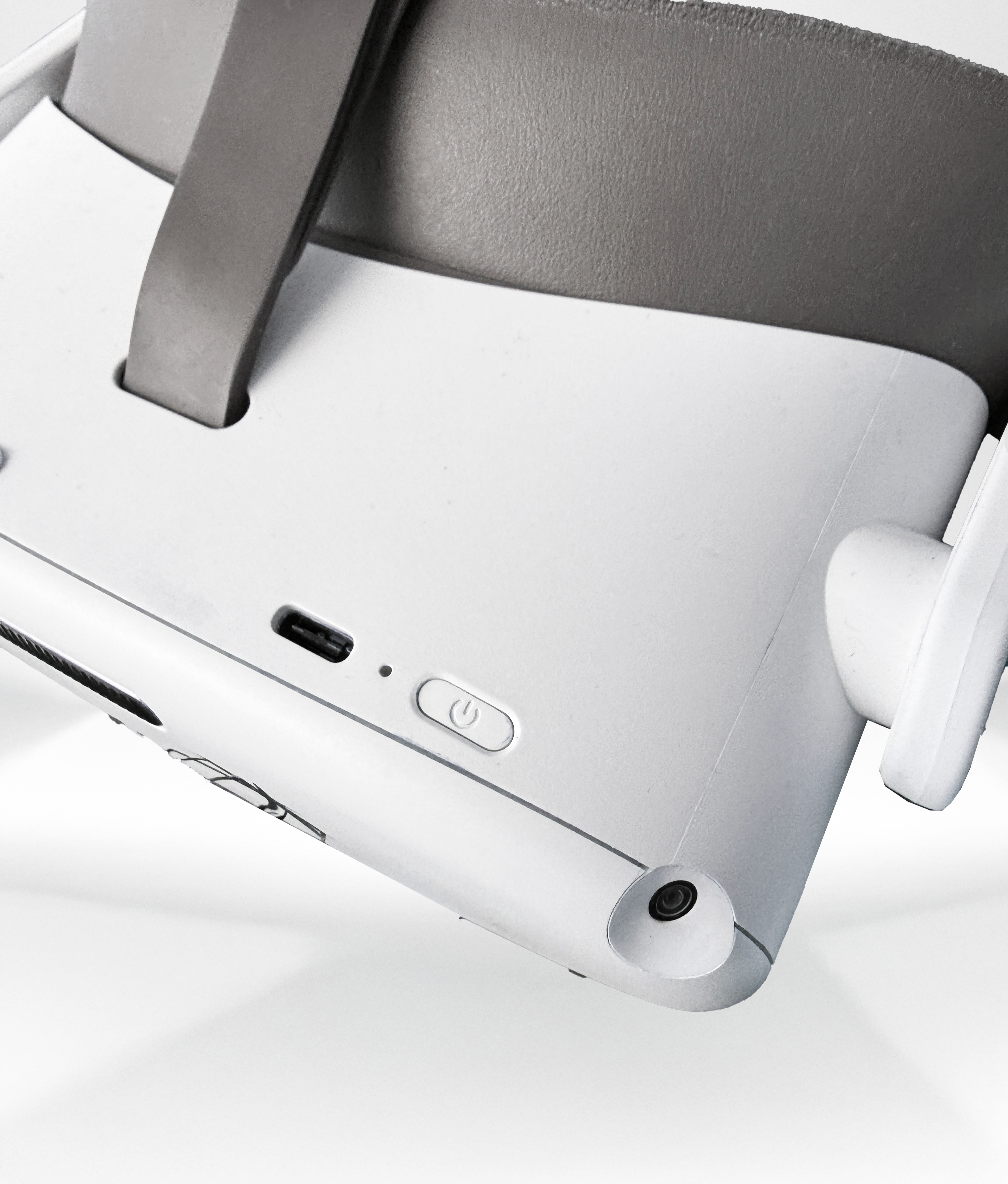
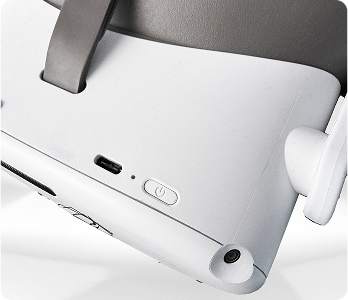
Press and hold the power button located on the top of the headset until the indicator light turns on.
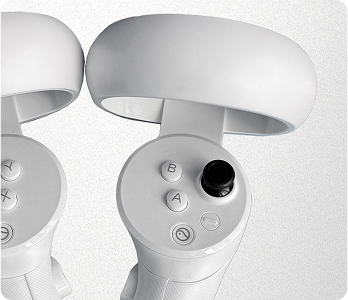
POWER ON
Activate your controllers
Press and hold the Pico button on each controller until they turn on and pair automatically with the headset.
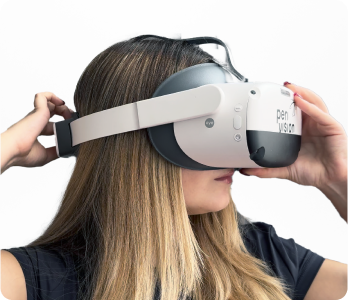
ADJUST FOR COMFORT
Ensure the best fit before starting
Loosen the head strap using the adjustment dial, place the headset over your eyes, then tighten until it fits snugly but comfortably.
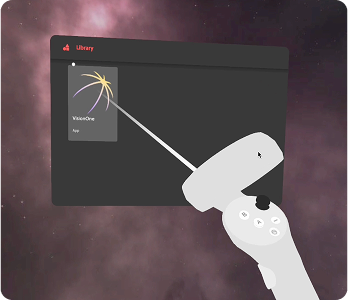
POINT & CLICK
Use the controllers to interact
To navigate the VR interface, point the controller at a menu item to aim. Once the desired option is highlighted, press the trigger button to select it.
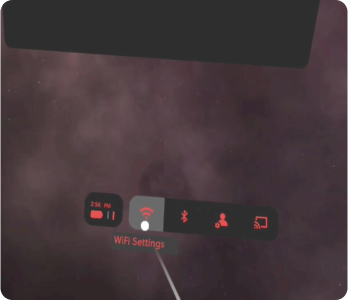
NETWORK
Ensure a stable connection for testing
Put on the headset and navigate to Wi-Fi. Select your network, enter the password, and confirm. A stable connection is required.
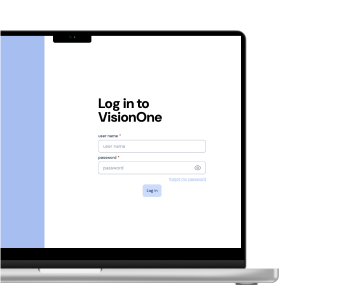
LOG IN
Launch Testing in VR
Log in on your computer using the link and credentials from your invitation email, and update your password. Then, in your VR headset, open the VisionOne app and start your assigned test from the dashboard.