

Controllers
Native Pico controllers
The device is shipped with the manufacturer’s original Pico controllers, which are used for interaction within the VisionOne VR application.
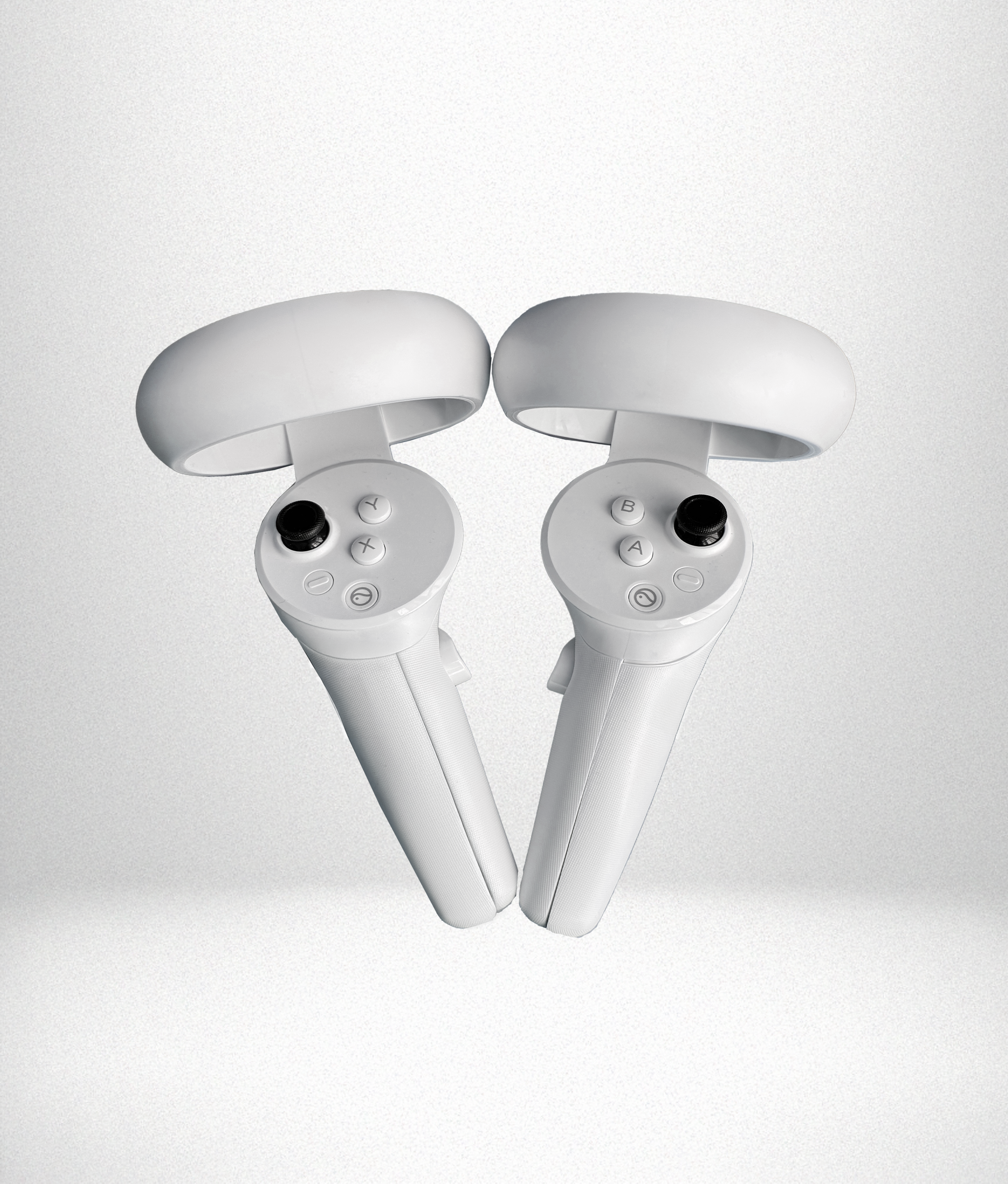 Native controllers
How to Use the Pico Controllers
During the perimetry exam, the patient will use the Pico controller to respond to visual stimuli. The controllers are natively supported by the headset and offer a more integrated and ergonomic alternative to external accessories.
While in the VisionOne VR App, pressing any response button (A, B, X, Y, or trigger buttons) on the controller registers as a valid input. These buttons are mapped directly to patient responses during the exam.
Controller Pairing & Connectivity
The Pico controllers are pre-paired with the headset and ready to use out of the box. There’s no need for additional setup. You can verify controller connectivity via the Clinician Dashboard — a green icon indicates successful pairing.
Battery level and changing the batteriess
The Pico Neo 3 Pro controllers are powered by two AA batteries per controller.
To replace the batteries:
- Slide down the lower part of the controller handle to access the battery compartment.
- Replace the two AA batteries with fresh ones, ensuring correct polarity.